

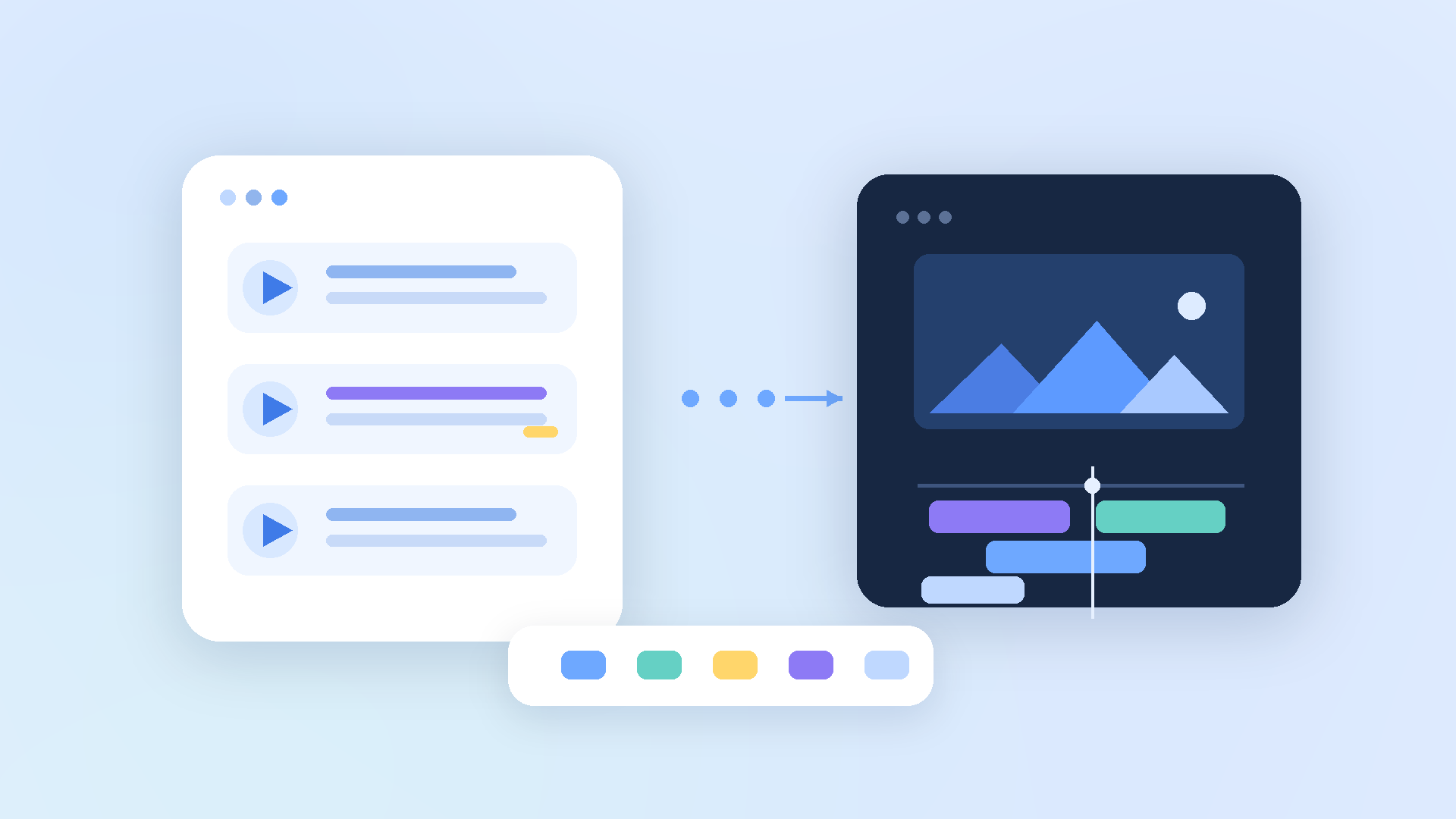
From Video Summary to Editing Preparation
Editing does not begin when the first cut is made. Most editing begins much earlier. It begins when someone decides which scenes to use, what flow to build, and what should be removed.
That preparation takes more time than people expect. You rewatch the source video, look for usable moments, take notes, and discuss it with the team. The editing program may not even be open yet, but a lot of time has already passed. And when it is finally time to edit, the question still remains: where should this begin?
Someple was built to reduce that time. It does not treat summary as the end. It treats summary as a way to move into editing preparation.
A Summary Is Not Something You Simply Read and Close
When people hear the phrase video summary, they often imagine a short description. But for people who make content, a summary is not just a paragraph to read. It is closer to a map for the next step.
A useful summary should help answer practical questions. How does this video flow? Which scenes seem important? Which parts can be removed? Which section needs to be checked again? Which scenes could become edit candidates?
Someple treats summary as the starting point of editing preparation. The goal is to understand the video faster, narrow down the scenes that matter, and move into the next step with less uncertainty.
The Slowest Part Before Editing Is Understanding the Source
Many people assume editing takes long because editing tools are complicated. Tools matter, of course. But in real work, time is often spent before that, while trying to understand the source.
When a video is long, it is hard to know where to start. You remember that there was a good scene, but not the exact location. A teammate mentions a part, and you need to check whether you are both talking about the same scene. As this repeats, more time goes into searching and confirming than into creating.
An editor may look like they are starting from an empty timeline, but often they are starting from empty information. They do not yet know what is inside the video, which scenes are useful, or what flow the result should have.
Someple reduces that blank state. Users can first review organized information, check the sections they need, and begin preparation with a clearer direction.
An Automatic Edit Plan Helps Judgment Start Faster
Someple does not stop at saying, “this video is about this.” If the user has a desired length and purpose, Someple can create an edit plan around that goal.
What matters is not simply that the plan is automatic. What matters is that the user does not have to start by finding everything from scratch. When an edit plan appears first, the user can judge whether the direction works. If it feels right, they can continue. If it does not, they can adjust it.
A good tool does not remove human judgment. It helps people reach the point of judgment faster. Someple’s edit plan works in that direction. Before users rewatch the source from the beginning, they can first see one possible path forward.
Editing Preparation Is Often a Team Task
Content production often involves multiple people. A planner looks for the message. An editor looks for the flow. A marketer looks for lines that could become titles or short-form clips. A reviewer checks what is missing or awkward.
Everyone is looking at the same video, but they are looking for different things. Without organized preparation, conversation gets longer. Someone remembers a good scene. Someone else has to find it. Then the team checks whether they are all looking at the same moment.
Someple helps everyone talk from the same reference point. Instead of sending the whole video, teams can discuss the organized flow and the relevant sections. The number of “where was that?” moments goes down. Teams spend less time finding scenes and more time making decisions.
A Workflow From Summary to Editing Preparation
For a summary to be useful, it has to lead to action. If it only helps someone understand the content, it is a good note. But if it helps them check scenes, organize edit candidates, and decide the direction of an output, it becomes part of production.
Someple is built around that flow. Users upload a video, understand the content, check the important sections, and then decide what to keep, what to remove, and what kind of result to make.
When this flow becomes natural, the uncertainty before editing becomes smaller. Users do not have to begin by rewatching the source from the start. They can begin from organized material.
Production Speed Depends on Preparation Speed
In content production, speed is not only about moving your hands quickly. It is often about deciding faster which scenes to use and aligning faster with the team.
When preparation is slow, the whole process becomes slow. When preparation becomes faster, the rest of the work becomes clearer. Users know which scene to check first, what direction the output could take, and what still needs confirmation.
Someple improves that preparation speed. It reduces the time spent understanding the source, finding scenes, and checking the same moment with teammates. The saved time can be used to create a better structure and a better result.
A workflow that does not stop at summary, but moves into editing preparation. That is how Someple thinks about video work.
FAQ
Can Someple edit automatically?
Yes. Someple can create an edit plan based on the video content, the user’s desired length, and the purpose of the output. Users can review that plan and adjust it if needed. The important point is that automatic editing does not replace the final decision. It creates a faster starting point for the user.
Can I edit using only the summary?
A summary is a strong starting point, but final judgment should still involve checking the relevant sections. Someple helps users narrow down what they need to check instead of forcing them to rewatch the entire video.
Is it useful for people who do not use editing programs?
Yes. If someone needs to understand a video quickly, find important scenes, or share parts of a video with a team, Someple can help even if they are not an editor. Meetings, lectures, interviews, and webinars all have the same problem: important moments are hard to find again.
What is the biggest advantage?
It reduces the uncertainty before editing. Users can decide faster where to start and what direction the output could take. Once that decision becomes faster, production becomes faster too.