

How to Find Key Moments in Long Videos Faster
Anyone who works with long videos eventually runs into the same moment. There was definitely a good scene. A funny reaction, a line that could become a title, a moment worth sharing. But when you try to find it again, you cannot remember where it was. You play the video, skip forward, pause, rewind, and try again. The actual work has not even started, but time is already gone.
This does not only happen to people who make a lot of videos. It happens to anyone who needs to revisit a meeting recording, find a specific explanation in a lecture, or pull a memorable quote from an interview. The video is saved, but the moment inside it is not.
Someple begins from this discomfort. It is not about making every long video shorter. It is about helping people find the moments inside long videos faster.
Video Is Easy to Store, but Hard to Find Again
Storing a file is easier than ever. You can put it in a local folder, move it to an external drive, or upload it to the cloud. The harder part is remembering what was inside that file.
A file name does not tell you much. Names like interview_final, meeting_recording, or live_replay may be clear on the day the file is created, but they quickly lose meaning. A few days later, you may no longer remember which line was useful, which scene was worth sharing, or which part the team needed to review.
So video work often depends on memory. It was probably somewhere in the middle. It may have been near the end. Someone said something useful there. This works for a short while, but once long videos start piling up, memory is no longer enough. Search time grows, and the fatigue begins before the real work even starts.
Long Videos Cannot Be Scanned
Documents can be skimmed. You can jump between headings, skip paragraphs, and look for a specific word. Images can be understood at a glance. Video is different. Video exists in time. To check what is inside, you have to play it. If you pass the moment, you have to go back.
That is what makes video work difficult. Useful scenes are scattered across long recordings. In a stream, a short reaction can become a highlight. In an interview, one sentence can become the center of a story. In a lecture, only a few minutes may contain the explanation people need to revisit. In a meeting, a decision may happen in a short exchange.
But these moments do not come out of the video on their own. The user has to find them. And finding them manually takes time.
Someple Makes Long Videos Easier to Revisit
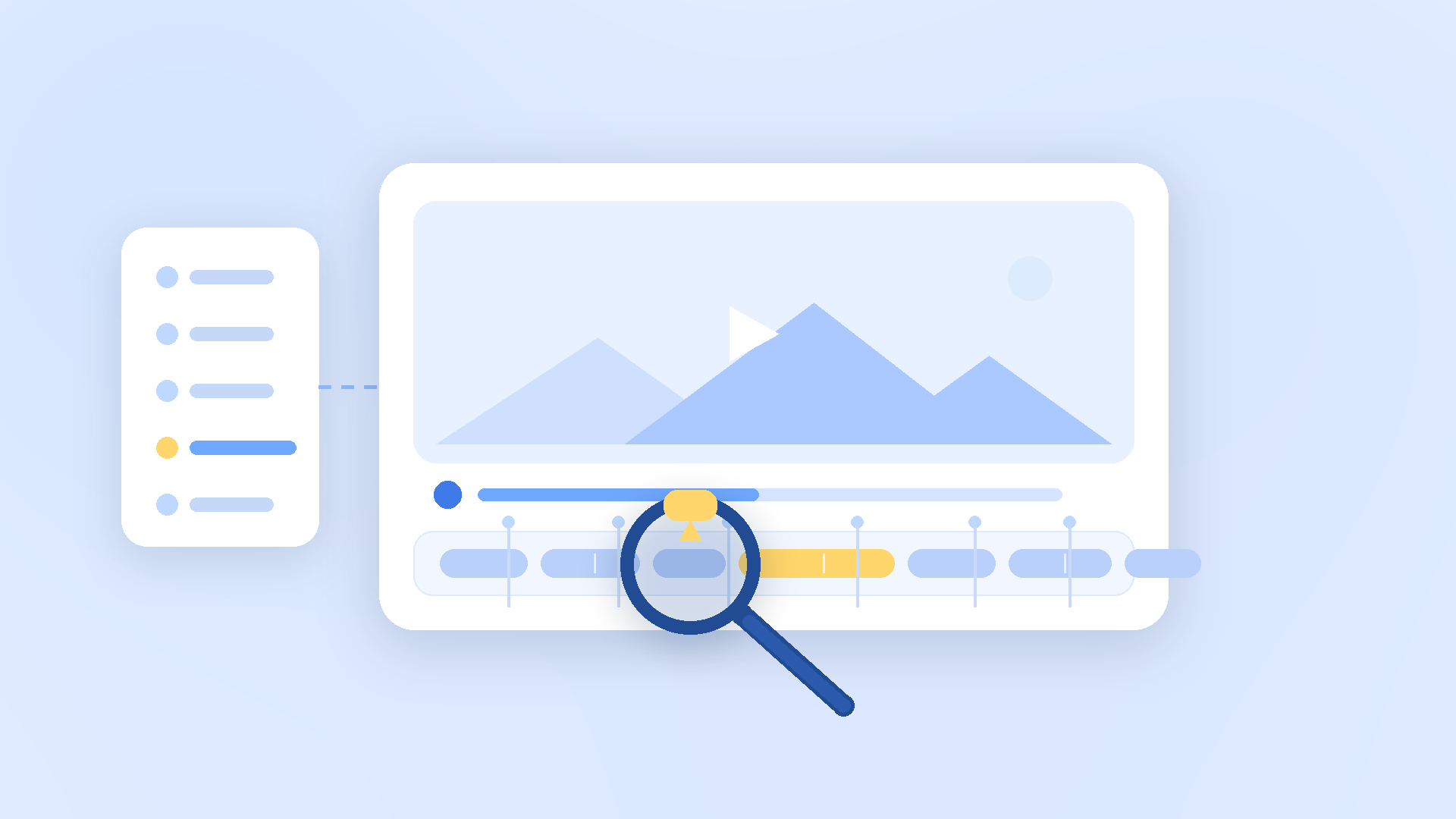
Someple helps organize uploaded videos so users can understand the overall flow and find the sections that matter. The goal is not to replace the video with a short text summary. The goal is to make it easier to return to the right part of the video.
A good summary does not mean you never need to watch the video. A good summary tells you where to look. Instead of watching every scene again from the beginning, you can first understand the flow and then move to the section that matters.
Imagine a one-hour interview. In the old way, you would listen through the questions and answers again to find one important quote. With Someple, you can first understand the structure of the interview and then go directly to the section that is relevant. The longer the video, the bigger this difference becomes.
What Matters Depends on the Viewer
The important scene is not decided by the video alone. It depends on why someone is watching it.
For a creator, the important moment may be a scene that can become a short clip. For a marketer, it may be one sentence that clearly communicates a message. For a team lead, it may be the moment a decision was made in a meeting. For an educator, it may be the section where a concept is explained most clearly.
That is why Someple does not try to force one answer. Instead, it helps users see the context they need to make a better decision faster. The point is not to hand over judgment to a tool. The point is to help people reach the moment where judgment becomes possible.
When the time spent searching goes down, the time available for better decisions goes up.
Teams Need to See the Same Scene
Finding a scene is inconvenient when you work alone. In a team, the problem becomes bigger. One person has to explain a scene they remember to someone else.
“There was a good part somewhere in the middle.” In real work, that sentence is rarely enough. The other person has to open the video, move somewhere near the middle, search for a similar section, and check whether it is the right one. Even when everyone is talking about the same video, they may be imagining different scenes.
Someple changes the reference point. Instead of handing over the whole video, users can talk around the section that needs attention. “Please check this part” is much more useful than “please watch this video.”
Work speed is not determined only by how fast a tool is. It is also determined by whether the team is looking at the same thing with the same context. Someple helps create that shared reference point inside long videos.
The More Videos You Have, the More Structure You Need
One or two videos can be searched manually. But once videos keep piling up, file names and memory are no longer enough. Creators and teams often handle raw footage, stream replays, meeting recordings, interviews, product videos, and webinars all at once.
At that point, the important question is not whether the videos exist. The question is whether the right moment can be found again. A video that cannot be searched is hard to reuse. Even if it contains a great scene, it may never become useful if no one can find it.
Someple becomes more valuable as the number of videos grows. Instead of rewatching each long video from the beginning, users can understand the content, find the needed sections, and reuse the material. The video becomes more than a stored file. It becomes a working asset.
Less Searching Means More Making
In content production, the most expensive time is often not the time spent making the final result. It is the time before that, when people are trying to figure out where to begin. Searching for a good scene, checking it again, and aligning with the team can quietly slow everything down.
Someple is designed to reduce that time. It reduces the time spent looking for scenes, trying to remember where something was, and rewatching the same video repeatedly. The time saved there can be used for better decisions and better outputs.
In a world where long videos keep increasing, storing more is not enough. Finding better is what matters.
That is the difference Someple tries to make.
FAQ
Do I still need to watch the whole video?
The final judgment still belongs to the user. But with Someple, you do not have to start by watching everything from the beginning. You can first understand the flow and then check the sections that matter. Even when you need to watch the full video, you can watch it with a clearer sense of where to focus.
Is it useful for short videos too?
The effect may be smaller for short videos. But once a video is longer than 10 minutes, or once multiple videos begin to pile up, the value of reducing search time becomes much clearer. At that point, the structure for finding things again matters more than the length of one file.
Can I use it if I am not an editor?
Yes. Someple is not only for editors. If you need to revisit meeting recordings, lectures, interviews, or webinars, it can help. The important question is not whether you edit videos. It is whether you need to find moments inside videos again.
What does Someple reduce the most?
It reduces the time spent searching. Less time trying to remember where something happened, less time replaying long videos, and less time aligning with teammates around the same scene. That means you can move to the next task faster.